Turn YouTube Videos into Flashcards: Learn from Any Video with AI
Transform educational YouTube videos into study-ready flashcards. Learn vocabulary, concepts, and key insights from lectures, tutorials, and language content automatically.
TL;DR
Transform educational YouTube videos into study-ready flashcards. Learn vocabulary, concepts, and key insights from lectures, tutorials, and language content automatically.
Table of Contents
Need help turning messy notes into clean flashcards?
MemoForge pulls highlights, structures prompts, and exports straight to Anki so your study time stays focused on recall.
Turn YouTube Videos into Flashcards: Learn from Any Video with AI
YouTube is the world's largest classroom. Lectures, tutorials, language lessons, documentaries—billions of hours of educational content waiting to be absorbed. But watching doesn't equal learning. Without active recall, most video content fades within days.
MemoForge now extracts transcripts directly from YouTube videos and transforms them into structured flashcards. Watch once, review forever.
Why YouTube Flashcards Change Everything
Passive video consumption creates an illusion of learning. You feel like you understand—the lecturer is clear, the visuals help, you're nodding along. Then the exam arrives and the knowledge evaporates.
Flashcards force retrieval. They convert passive watching into active recall loops. And now that process takes seconds, not hours of manual note-taking.
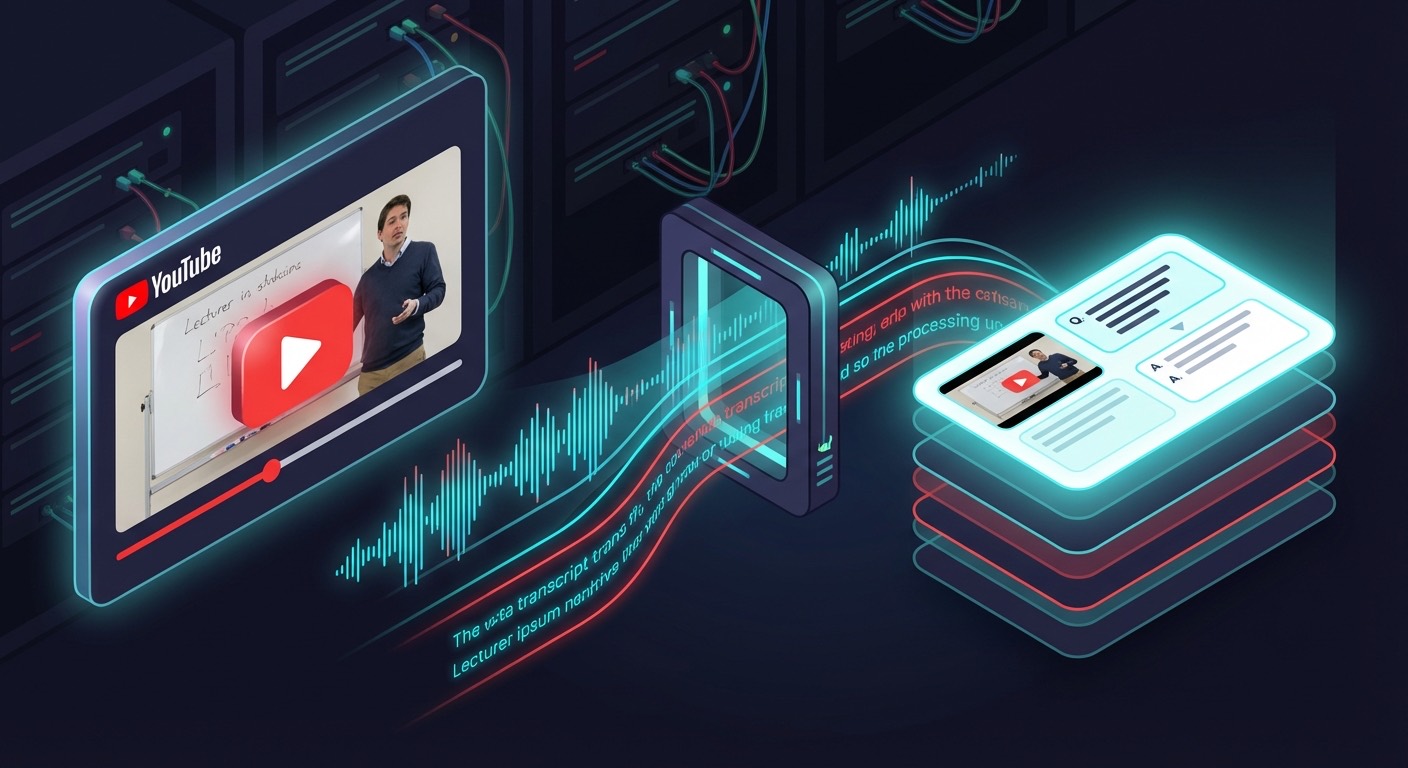
How YouTube to Flashcard Works
- Paste any YouTube URL — Standard, short, embed, or mobile links all work
- Add your learning goal — "Create vocabulary flashcards" or "Extract key concepts"
- AI extracts the transcript — Auto-generated or manual captions
- Smart flashcard generation — The AI identifies terms, definitions, processes, and relationships
- Download and study — Export to Anki or review directly
Processing typically completes in under 2 minutes for most videos.
Supported YouTube URL Formats
MemoForge accepts all common YouTube link formats:
| Format | Example |
|---|---|
| Standard | https://www.youtube.com/watch?v=VIDEO_ID |
| Short | https://youtu.be/VIDEO_ID |
| Embed | https://www.youtube.com/embed/VIDEO_ID |
| Mobile | https://m.youtube.com/watch?v=VIDEO_ID |
Just copy the URL from your browser and paste. The system automatically detects and validates the video.
Perfect Use Cases
Language Learning from Native Content
Watch a Spanish news segment, German podcast, or Japanese anime with subtitles. MemoForge extracts:
- New vocabulary with context sentences
- Grammatical patterns in real usage
- Idiomatic expressions native speakers actually use
Better than textbook examples because the language is authentic.
Lecture and Tutorial Retention
University lectures on YouTube? Khan Academy explanations? Coding tutorials? Generate:
- Key concept definitions
- Process steps and sequences
- Important facts and figures
- Comparison and contrast cards
Stop rewatching entire videos to find that one explanation.
Documentary and Educational Content
Science documentaries, history channels, educational series—all become study material:
- Timeline events and dates
- Scientific terms and mechanisms
- Historical figures and their significance
Turn binge-watching into productive learning.
Tips for Best Results
Choose Videos with Good Captions
AI flashcard quality depends on transcript quality. Best results come from:
- Videos with manual (creator-added) captions
- Clear audio without heavy background music
- Single speakers or well-separated dialogue
Auto-generated captions work but may have transcription errors for technical terms or accented speech.
Write Specific Prompts
Generic prompts get generic cards. Compare:
❌ "Make flashcards from this video"
✅ "Create vocabulary flashcards for intermediate Spanish learners. Focus on verbs and idiomatic expressions. Include example sentences from the video."
The more context you provide, the better the AI targets relevant content.
Set Appropriate Expectations
A 60-minute lecture might generate 80+ raw cards. Plan to:
- Review generated cards
- Delete redundant or trivial ones
- Refine unclear phrasing
- Keep 40-60 high-value cards
Quality beats quantity every time.
Limitations to Know
Transcript Availability
Not all videos have transcripts. Common blockers:
- Creator disabled captions entirely
- Video is brand new (auto-captions take time to generate)
- Live streams without post-processing
- Private or restricted videos
If the video has no captions on YouTube, MemoForge can't process it.
Very Long Videos
Videos over 2 hours may hit processing limits. For long-form content:
- Consider processing in sections using timestamps
- Focus prompts on specific topics within the video
- Break marathon content into multiple sessions
Transcript Quality Issues
Auto-generated captions sometimes struggle with:
- Technical jargon and specialized terms
- Heavy accents or fast speech
- Multiple overlapping speakers
- Background noise interference
Spot-check generated cards against the video for accuracy.
Credit Cost
YouTube videos count as 1 page credit regardless of video length. This makes long educational content extremely cost-effective compared to multi-page PDF processing.
Sample Workflow: Language Learning from YouTube
Goal: Learn Spanish vocabulary from a 15-minute news segment
| Step | Action | Time |
|---|---|---|
| 1 | Find suitable video with Spanish captions | 2 min |
| 2 | Paste URL, write prompt: "Create Spanish vocabulary flashcards for B1 learners with English translations and example usage" | 1 min |
| 3 | Wait for processing | 1-2 min |
| 4 | Review 45 generated cards, keep 30 | 5 min |
| 5 | Export to Anki | <1 min |
| 6 | First review session | 10 min |
Total: ~20 minutes from video discovery to active studying.
Compare that to pausing the video every 30 seconds, writing cards manually, looking up definitions... hours saved.
Academic Use Cases
Medical Education
Medical YouTube channels (Osmosis, Ninja Nerd, Armando Hasudungan) become structured study decks:
- Pathophysiology mechanisms
- Drug names and classes
- Diagnostic criteria
- Treatment protocols
Law School
Legal explainer videos transform into bar prep material:
- Case names and holdings
- Statutory elements
- Constitutional provisions
- Procedural rules
Computer Science
Coding tutorials and CS lectures become reference cards:
- Algorithm steps
- Data structure properties
- Language syntax patterns
- System design concepts
Get Started with YouTube Flashcards
- Find a video with educational content you want to retain
- Go to MemoForge and select YouTube as your source
- Paste the URL and describe what you want to learn
- Generate and refine your personalized deck
- Study with spaced repetition for long-term retention
Turn your YouTube watch history into lasting knowledge. Every video becomes a learning opportunity.
Ready to transform how you learn from video? Try MemoForge now and paste your first YouTube link. What took hours of manual transcription now takes minutes—leaving you more time for actual learning.
Related Articles
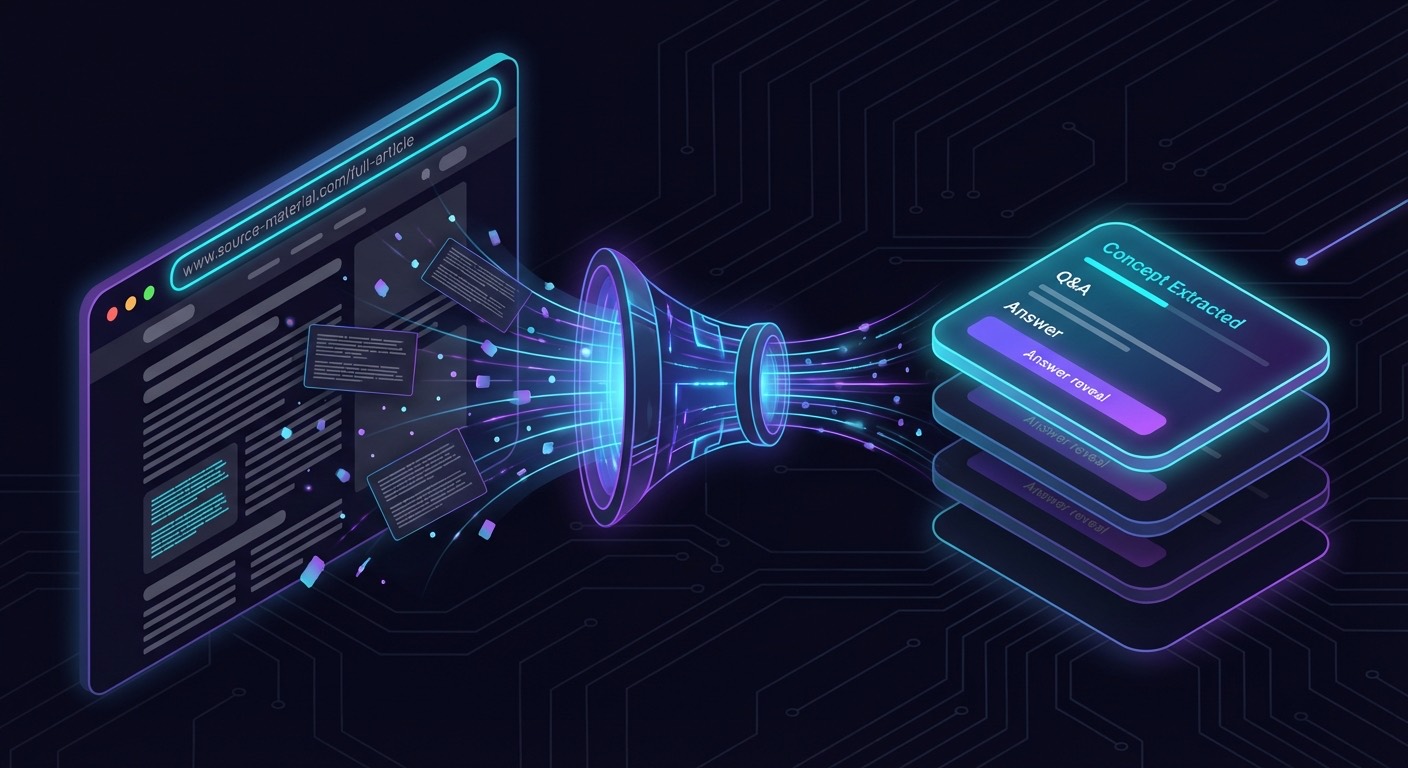
Create Flashcards from Any Webpage: Turn Articles into Study Material
Convert web articles, documentation, tutorials, and research papers into structured flashcards. Learn how to extract knowledge from any public URL with AI-powered flashcard generation.
From PDF Highlights to Quality Flashcards: A Proven Workflow
Turn PDF highlights into clear, atomic flashcards using a capture → curate → card pipeline with examples, tagging, and AI assist.

Flashcards for Complex Subjects: Studying Medicine, Law, and More with AI
How to build high-yield, structured flashcards for dense domains—medicine, law, engineering—using AI as a drafting accelerator without losing nuance or accuracy.