
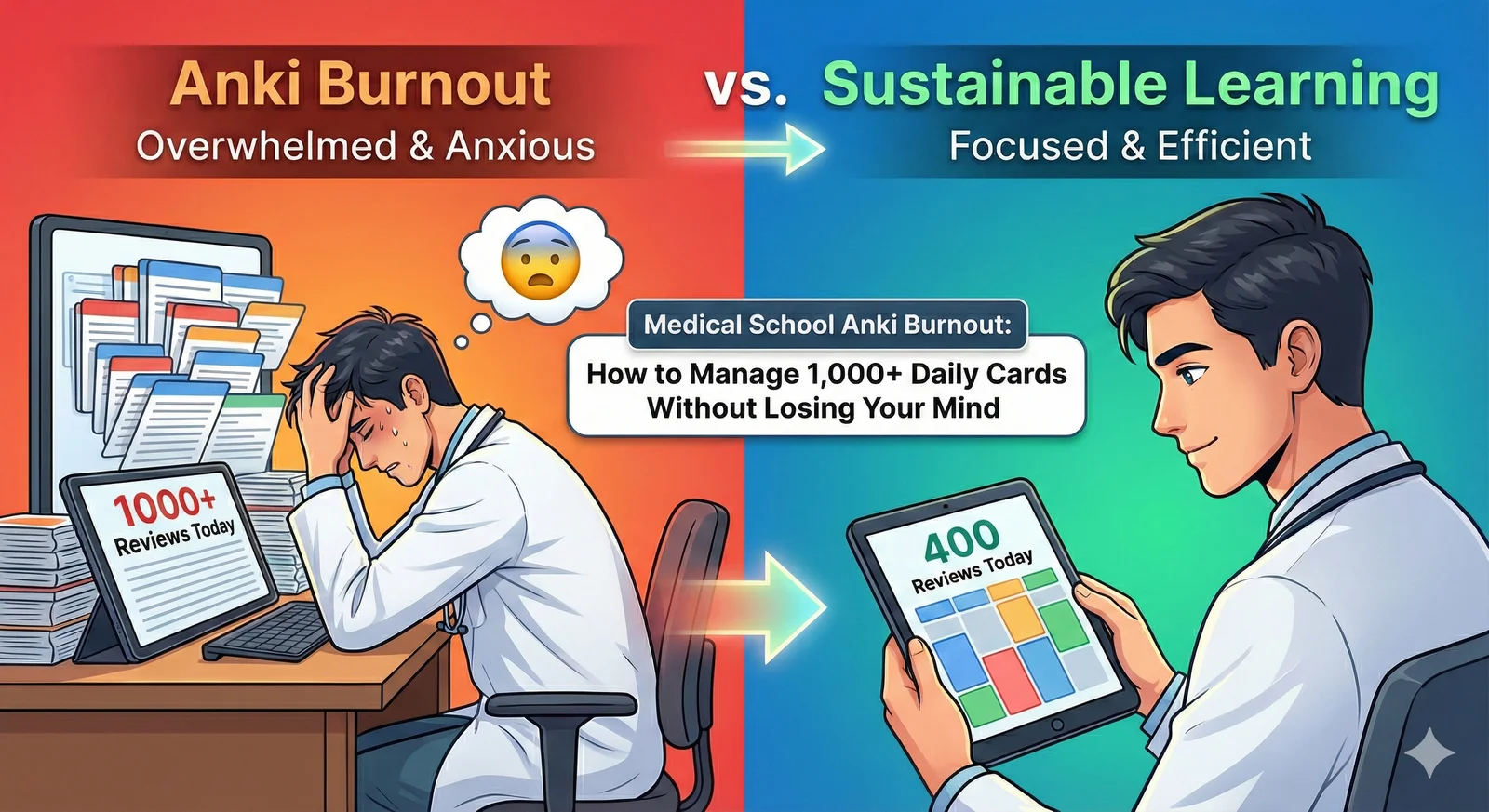
Anki Burnout in Med School: How to Manage an Overloaded Deck
Practical triage for medical students drowning in Anki reviews: pause new cards, time-cap sessions, clear overdue cards in batches, and cut card-creation time. Includes when to step back and where to get help.
TL;DR
Practical triage for medical students drowning in Anki reviews: pause new cards, time-cap sessions, clear overdue cards in batches, and cut card-creation time. Includes when to step back and where to get help.
Table of Contents
Need help turning messy notes into clean flashcards?
MemoForge turns PDFs and public URLs into AI-generated flashcards that you can review before exporting to Anki.
Anki Burnout in Med School: How to Manage an Overloaded Deck
You open Anki and see 1,247 cards due. You've already studied for hours. You've cancelled plans for the third week in a row, and the number is still growing. If that feels familiar, you're not alone, and it's not a character flaw.
Anki overload in medical school is a systems problem: the deck grew faster than your schedule can carry, and the queue turned into a guilt machine. This guide covers the immediate triage, the settings that keep it from recurring, and when to step back — including where to get help if the load is affecting your wellbeing.
A note up front: this is about study logistics, not mental-health advice. If Anki — or med school generally — is seriously affecting your sleep, mood, or health, talk to someone. A counselor, your school's student support services, or a healthcare professional are the right people, and reaching out early is a strength, not a failure.
Why the Queue Gets This Big
A few pressures stack up:
- Comprehensive shared decks. Decks like AnKing contain tens of thousands of cards. Full coverage means a maintenance load that scales with every card you unsuspend.
- New cards compound. Every new card you learn comes back repeatedly. Consistent daily reviews in the hundreds are common in med school — and they're a workload, not a badge of honor.
- Missed days snowball. One skipped day becomes a backlog; a skipped week becomes dread.
- Card creation eats study time. Making cards from lecture slides takes real time on top of reviewing. That's time not spent on practice questions or sleep.
If any of this describes you, the fix starts with the queue, not with willpower.
Emergency Triage: 500+ Overdue
Step 1: Stop new cards
Set New cards/day to 0 in deck options. It feels wrong; it's not. You're stopping the inflow while you clear what's already there. Anki's documentation recommends exactly this when you have a backlog.
Step 2: Time-cap your reviews
Pick a daily budget you can actually do, and set Maximum reviews/day to match:
- 30 minutes — sustainable long-term
- 60 minutes — heavy but manageable
- 90 minutes — crunch only, not forever
Use a timer. When it rings, stop, even if cards remain.
Step 3: Build a rescue filtered deck
Pull your oldest overdue cards into a filtered deck:
- Tools → Create Filtered Deck.
- Search:
is:due prop:due<=-7 - Limit: 50 cards.
- Reschedule: No.
That pulls cards overdue by a week or more. Clear that batch daily. Alternatively, just pull a flat 50–75 due cards per day and work through them — the number shrinking is what makes it feel manageable.
Step 4: Expect weeks, not a weekend
As a rough rule of thumb: at 50 cards a day, a 500-card backlog clears in about ten sessions. Plan for a couple of weeks of steady clearing. Sprinting through it once is how you end up here again.
Sustainable Settings
Start with your time budget
Most students set card limits from hope, not from their calendar. Flip it: decide how many minutes you can study most days, then set limits that fit.
| Daily time | New cards/day | Review cap | What it feels like |
|---|---|---|---|
| 20 minutes | 5–8 | ~100 | Slow growth, low stress |
| 40 minutes | 12–15 | ~180 | Steady progress |
| 60 minutes | 20–25 | ~250 | Heavy, exam-push only |
If your deck demands more than 60 minutes a day, the answer is fewer cards, not more time. The queue is a function of how many new cards you let in — that's the dial that actually controls your load.
Cut the card-creation bottleneck
For in-house exams and lecture decks, creating cards can eat as much time as reviewing them. Read slides, type questions, format cloze deletions, check for errors — for a 50-minute lecture, that can easily be 30–60 minutes before you've reviewed a single card.
Automating that step changes the math. As an example: a manual workflow of 60 minutes creating plus 60 minutes reviewing is 2 hours per lecture; generating cards from the lecture file (minutes, not an hour) plus 60 minutes reviewing is roughly 65 minutes. That's an hour per lecture — and across a semester it adds up to real time. The exact numbers vary by person and material, but the direction is consistent: generation tooling shrinks the non-learning part of Anki.
Manage the deck, not the guilt
- Suspend low-yield content. Rare diseases you'll never see, obscure drug names, historical facts that won't be tested. It feels dangerous to suspend; it's more dangerous to burn out and review nothing.
- Unsuspend deliberately. Start with everything suspended and open only what you're actually studying. "Maybe someday" stays suspended.
- Tag aggressively. Tag by system and by exam so you can build focused filtered decks when time is short.
The Honest Truth About FSRS and Review Count
You may have heard that the FSRS scheduler reduces reviews by a fixed percentage. Those claims oversell it. FSRS doesn't magically cut your load: your review count is largely set by your desired retention target. Higher retention means more reviews; lower means fewer, with more forgetting. The FSRS vs SM-2 guide explains the tradeoff properly. Use FSRS because it schedules to your actual memory — not because it promises a fixed discount on reviews.
Patterns That Work (Illustrative, Not a Study)
These are patterns we see from students who reduced load while keeping up — worth noting they're examples, not measured outcomes:
The Trimmer. Suspended the lowest-yield chunk of a shared deck, capped reviews at ~90 minutes, automated card creation for new lectures, and spent the freed time on practice questions.
The Hybrid. Used Anki only for dense factual material (pharm, micro) and switched conceptual subjects to practice questions and active recall. Daily cards dropped from the 800s to the 300s.
The Automator. Stopped manual card creation entirely, generated from lecture PDFs, and only reviewed and edited the AI drafts. The saved time went to practice questions and sleep.
The common thread isn't a specific tool — it's cutting the workload to something sustainable and protecting time for everything else.
When to Step Back
Anki is a tool, not an identity:
- Take breaks. A short break creates a backlog you can clear in a few days of steady sessions. The reset is worth the catch-up.
- Set boundaries. No Anki after a set time. Sleep matters more than fifty extra cards. One full day off a week is reasonable — yes, Monday's queue will be bigger. That's fine.
- Scale back without shame. Using Anki for only your highest-yield topics is valid. Stopping Anki entirely is also valid — plenty of capable clinicians never used it.
If the thought of opening Anki is making you miserable, that's information. The sustainable version of med school study keeps you functional as a person.
Frequently Asked Questions
How do I catch up on 2,000 overdue cards?
Don't try to do it in a week. Set new cards to zero, pull 75 overdue a day via filtered deck, and expect roughly four weeks of steady clearing. Sustainable beats fast.
Should I reset my deck and start over?
Rarely. You'd lose scheduling data. Suspend unwanted cards and trim aggressively instead. Only reset if the deck is truly beyond repair.
How do I decide what to suspend?
Ask: "Would this card help me on Step or shelf?" If no, suspend it. When unsure, keep it but tag it "maybe suspend" and revisit.
What if I can't get below 500 daily cards?
Check your settings and card quality. Atomic cards review faster, and lower desired retention under FSRS means fewer reviews with more forgetting — that's the tradeoff. And remember the biggest lever: how many new cards you let in per day.
Should I feel guilty about not finishing AnKing?
No. Shared decks are comprehensive, not mandatory. Completion rate matters far less than practice questions and consistent sleep. The deck serves you, not the other way around.
When should I take a complete break?
When it's affecting your health, relationships, or overall study effectiveness. A week off won't destroy your knowledge, and it might restore your ability to study at all.
A Path Forward
Immediate: stop new cards, time-cap reviews, triage via filtered deck.
Medium-term: set sustainable limits, automate card creation, trim to high-yield content.
Long-term: treat Anki as one method among many, and protect your health as the priority — you're training to help people, which requires you to be a functional person.
Start with one change today. The queue can shrink; the guilt can go with it.
Ready to cut the card-creation bottleneck? MemoForge generates quality flashcards from your lecture PDFs and slides in minutes, so you can spend your time reviewing instead of typing. Try it free.
Related Articles

How to Clear an Anki Backlog Without Burning Out
A step-by-step plan to shrink an Anki backlog: pause new cards, set a daily time cap, build a rescue filtered deck, and fix the cards that keep failing. Practical, non-judgmental, and grounded in how Anki actually works.

Anki Daily Load: How to Set New Card Limits, Reviews, and Leech Settings
Right-size your Anki daily review load: time-based presets for new cards and review caps, what to do about ease hell under SM-2 and FSRS, and how to set leech thresholds. Based on current Anki documentation.

Interleaved vs. Blocked Practice: Which Should You Use?
Interleaved vs. blocked practice explained: learn what each method trains, when to use it, what classroom math studies found, and how to build a mixed-practice session.