

Anki Daily Load: How to Set New Card Limits, Reviews, and Leech Settings
Right-size your Anki daily review load: time-based presets for new cards and review caps, what to do about ease hell under SM-2 and FSRS, and how to set leech thresholds. Based on current Anki documentation.
TL;DR
Right-size your Anki daily review load: time-based presets for new cards and review caps, what to do about ease hell under SM-2 and FSRS, and how to set leech thresholds. Based on current Anki documentation.
Table of Contents
Need help turning messy notes into clean flashcards?
MemoForge turns PDFs and public URLs into AI-generated flashcards that you can review before exporting to Anki.
Anki Daily Load: How to Set New Card Limits, Reviews, and Leech Settings
The numbers in Anki's deck options — new cards per day, maximum reviews per day, leech threshold — all matter, but they're easier to set than they look. The trick is to start with your time budget, then let the settings spend it. This guide uses the current Anki interface and terminology, and it distinguishes between the legacy SM-2 scheduler and FSRS, because the same advice doesn't apply to both.
Start with Minutes, Not Card Counts
People usually set new cards from ambition ("I'll do 50 a day"). The multiplier effect punishes that: every new card comes back again and again. Anki's documentation gives a useful rule of thumb — consistently learning 20 new cards a day tends to produce roughly 200 reviews a day once the deck matures. Double the new cards and you can guess what happens to the queue.
So flip it: pick your daily minutes first, then set limits that fit.
Time-Based Presets
On desktop, open deck options via the gear icon on the Decks screen (or More → Options while reviewing, or press O). Options live in presets shared across decks; use the arrow menu to clone a preset if one deck needs different settings.
20 minutes (light)
- New cards/day: 5–8
- Maximum reviews/day: ~100
- Goal: reliable daily rhythm, low pressure
40 minutes (solid)
- New cards/day: 12–15
- Maximum reviews/day: ~180
- Goal: main study channel
60 minutes (intensive)
- New cards/day: 20–25
- Maximum reviews/day: ~250
- Goal: exam push, short stretches only
These are starting points, not laws. Dense material (pharmacology, law) usually wants fewer new cards than vocabulary. If a week gets noisy, set new cards to 0 for a few days — nothing breaks.
How the Limits Interact
Two details from the manual are worth knowing:
- New cards and reviews share the day. By default the review limit also applies to new cards: once the review cap is hit, no new cards are shown. There's a New cards ignore review limit option if you want them to keep flowing anyway (usually you don't, when you're behind).
- Parent and subdeck limits. When you study a parent deck, its limits cap the total; each subdeck's own limits cap what's drawn from that subdeck. The Limits start from top option makes a parent's limits apply even when you select a subdeck directly. Set your total target on the deck you actually open.
Ease Hell: SM-2 vs FSRS
"Ease hell" is the loop where smashing Hard drops a card's ease, intervals shrink, and the card comes back too soon — which makes you hit Hard again. It's real, but which fix applies depends on your scheduler.
Under the legacy SM-2 scheduler, ease is a per-card number that starts around 2.5 and adjusts with each rating. To avoid the spiral:
- Be sparing with Hard on new or messy cards; rewrite the card instead of punishing it.
- Keep learning steps short and same-day. Anki's defaults (1m 10m) work well; pressing Good advances through them, Again resets to the first step.
- If a cluster of cards has very low ease, fix the wording first. Resetting ease is a last resort, not a weekly hobby.
Under FSRS (the modern scheduler you can enable in deck options — SM-2 is still the default), ease is replaced by a difficulty model, and SM-2 options like graduating interval and easy bonus are hidden. FSRS doesn't suffer from ease hell the way SM-2 does — a lapse updates the model and the schedule recovers. But FSRS has its own breaking habit: pressing Hard when you actually forgot the answer. FSRS treats Hard as a successful recall, so forgotten cards get intervals that are too long. Press Again when you forget, and reserve Hard for "I remembered with effort." Our FSRS vs SM-2 guide goes deeper on this.
Leech Thresholds: Defaults and Actions
A leech is a card you keep failing. Anki's default: when a review card lapses (you press Again on it in review) 8 times, Anki tags it as a leech and suspends it. You can adjust the threshold and whether it suspends in deck options under Lapses → Leeches. Anki then warns you periodically at half the threshold (so with 8, further warnings come at 12, 16, and so on).
Eight is a sensible default; some people lower it to 6 for very long decks. The threshold matters less than what you do with the card:
- Inspect. Is the question vague? Is it testing two things? Is the answer too long?
- Fix. Rewrite shorter and clearer, or split into atomic cards, or add a hint or mnemonic.
- Decide. If it's genuinely low value, delete or leave it suspended. Interference between two similar cards is a common cause — learning one at a time often fixes both.
Example: "Causes, symptoms, and treatment of heart failure?" becomes three cards — one for causes, one for the symptom cluster, one for first-line therapies.
Filtered Decks for Catch-Up
When life happens, filtered decks turn an overwhelming number into a controlled batch:
Overdue rescue
- Search:
is:due prop:due<=-7 - Limit: 50
- Reschedule: No
- Purpose: work the oldest cards first without disrupting your schedule
Due today
- Search:
prop:due=0 - Limit: 100–150
- Reschedule: No
- Purpose: see exactly today's load, nothing else
High-yield focus
- Search:
tag:important OR tag:exam - Limit: 30
- Reschedule: No
- Purpose: protect the material that matters most
Search syntax reference: prop:due=-1 means overdue by a day, prop:due=1 means due tomorrow, so prop:due<=-7 is "overdue by a week or more."
About Retention Targets
You'll hear "keep retention around 85–90%." That's a reasonable rule of thumb, and it aligns with Anki: under FSRS, desired retention defaults to 90%, and the manual calls it the most important setting in FSRS. The honest framing is a tradeoff: higher retention (95%+) means noticeably more reviews per day; lower (80–85%) means fewer reviews and more forgetting. Pick the level that fits your time budget and your tolerance for forgetting — and keep it below 97%, where workload gets punishing. Don't chase a specific number because someone on a forum said so.
Weekly Calibration in Ten Minutes
- Are you finishing inside your time window?
- Adjust new cards by ±2–3 based on the past week.
- Skim the leech tags; fix a handful now instead of a pile later.
- If you use FSRS, glance at your actual retention in stats versus your desired retention.
One tweak at a time. Clean decks beat clever settings you never revisit.
FAQ
How do I know my settings are working?
You finish inside your time window, retention sits near your target, you're not drowning in leeches, and opening Anki doesn't fill you with dread.
Should every deck use the same settings?
Start with one preset. Nudge per subject: languages often like shorter steps; complex science likes fewer new cards and possibly longer learning steps.
What if I keep missing my daily target?
Cut new cards by 25–50% for a week. Or split the session in two. If leeches are piling up, fix a few and the load eases faster than you'd expect.
Is it okay to cap reviews?
Yes. Maximum reviews/day exists precisely so you can smooth out peaks and keep Anki from becoming a guilt machine. A steady, capped flow beats a flood you quit.
The Bottom Line
Pick a time budget, set new cards and review caps to match, use parent limits for balance, and treat leeches as early warning lights. If you're on SM-2, watch the ease spiral; if you're on FSRS, rate honestly and press Again when you forget. A small weekly check keeps everything honest — that's how decks stay reliable, steady, and kind to your future self.
Related Articles

How to Clear an Anki Backlog Without Burning Out
A step-by-step plan to shrink an Anki backlog: pause new cards, set a daily time cap, build a rescue filtered deck, and fix the cards that keep failing. Practical, non-judgmental, and grounded in how Anki actually works.

Can Claude Make Anki Cards? A Workflow Guide
Can Claude and ChatGPT make Anki cards? Use prompts for focused output, compare both tools on the same source, and check every answer before importing.
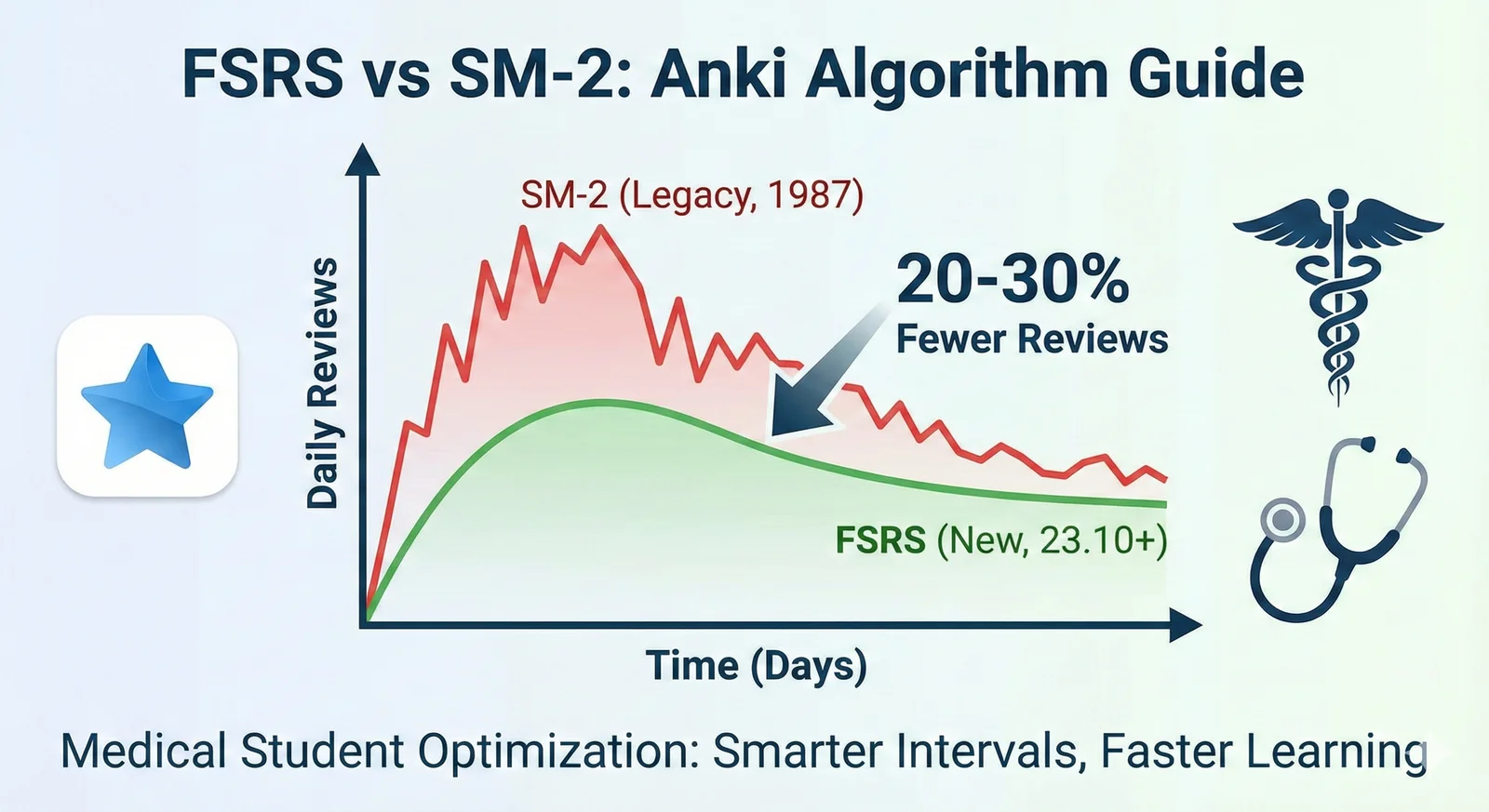
FSRS vs SM-2 in Anki: Settings, Workload, and Migration
Learn what FSRS is in Anki, compare it with SM-2, and switch schedulers without a sudden review backlog.