

The XP a review earns now shows up while you study
Rate a card and a short +N XP confirmation appears under your answer buttons, with a one-line moment when you reach a new level.
Table of Contents
Reviews have been earning XP for a while. The screen you rate cards on just never showed it. Points piled up somewhere behind the scenes, levels arrived without a word, and the only way to find out was to go looking.
Now the reward shows up where the work happens.
What you see
Rate a card and a short +N XP appears in the row under the answer buttons, next to the undo pill. It stays for about a second and fades.
It is a confirmation, not a celebration. You pressed Good, the card counted, here is what it earned. Then it gets out of the way.
The number is what that review really earned. The one that completes your daily goal earns a bonus, and the tick shows the whole amount instead of pretending every card is worth the same — so a good review late in a session can surprise you.
When you reach a new level
That same spot holds one line instead: Level 7 reached, with a button to dismiss it. It stays a few seconds longer and you can close it early.
The row keeps its height whether or not anything is showing, so the answer buttons do not jump up and down between cards. On a very narrow screen the reward steps aside for the undo pill, because undo is the thing you might need in a hurry.
If you use a screen reader, the level-up is announced once. The per-card XP is deliberately not announced: it fires on every single card and would talk over the ratings themselves.
Why the tick is quiet
There is a version of this feature where every card throws confetti and you stop noticing by the fourth one. That version makes the XP invisible by making it loud.
A small number that appears where you are already looking, and then leaves, tells you the review counted without asking for your attention. The level-up gets a little more room because it is rare — and because a level you never noticed arriving is the same as no level at all.
Where to find it
Study any deck and rate a card. The row sits under the flip and typed answer docks, next to undo. Nothing to switch on.
For your totals rather than the per-card numbers, the end of a session shows your level and lifetime XP in the summary.
Need help turning messy notes into clean flashcards?
MemoForge turns PDFs and public URLs into AI-generated flashcards that you can review before exporting to Anki.
Related Articles

Can Claude Make Anki Cards? A Workflow Guide
Can Claude and ChatGPT make Anki cards? Use prompts for focused output, compare both tools on the same source, and check every answer before importing.
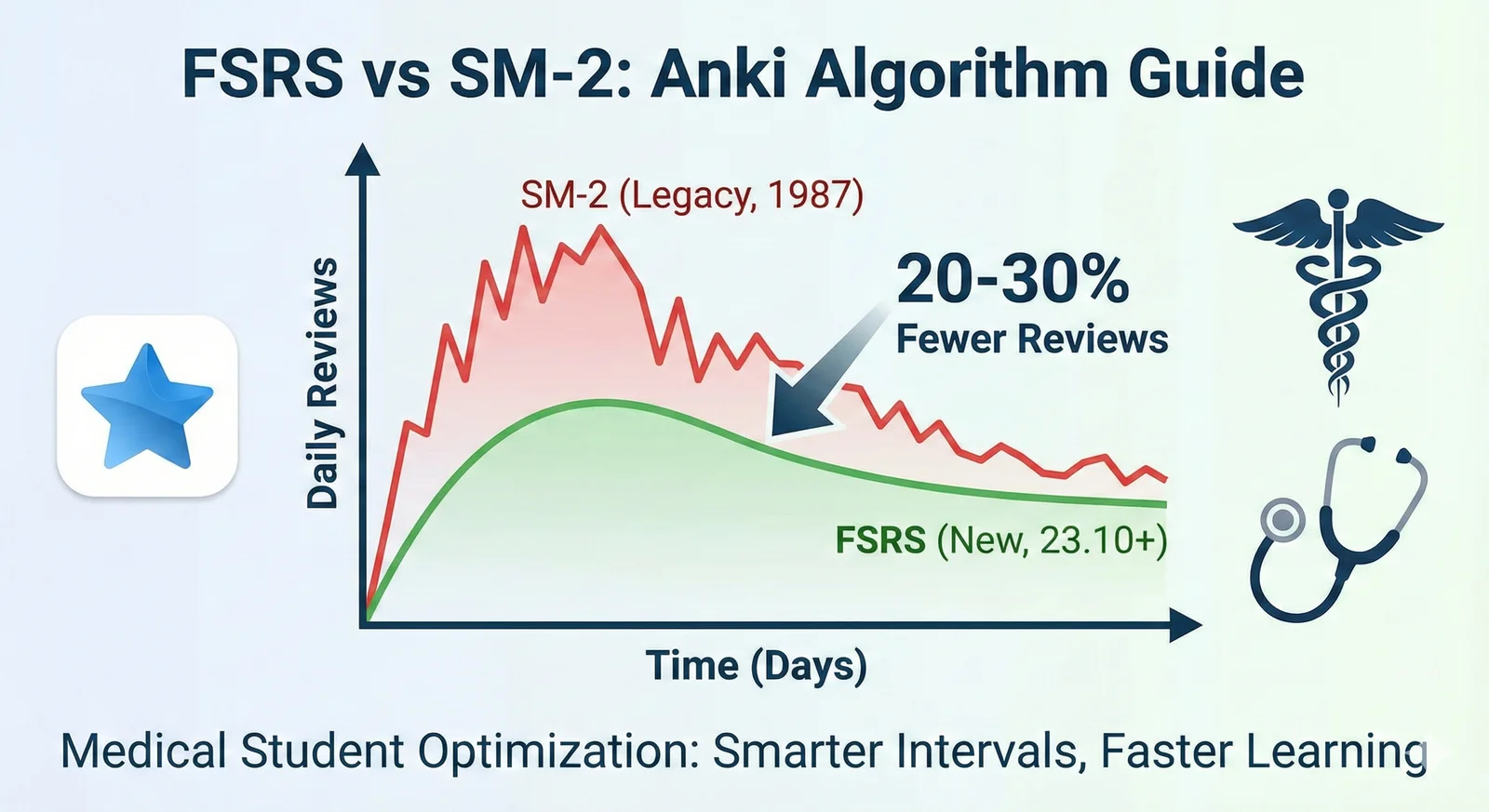
FSRS vs SM-2 in Anki: Settings, Workload, and Migration
Learn what FSRS is in Anki, compare it with SM-2, and switch schedulers without a sudden review backlog.

How to Clear an Anki Backlog Without Burning Out
A step-by-step plan to shrink an Anki backlog: pause new cards, set a daily time cap, build a rescue filtered deck, and fix the cards that keep failing. Practical, non-judgmental, and grounded in how Anki actually works.